
Product documentation
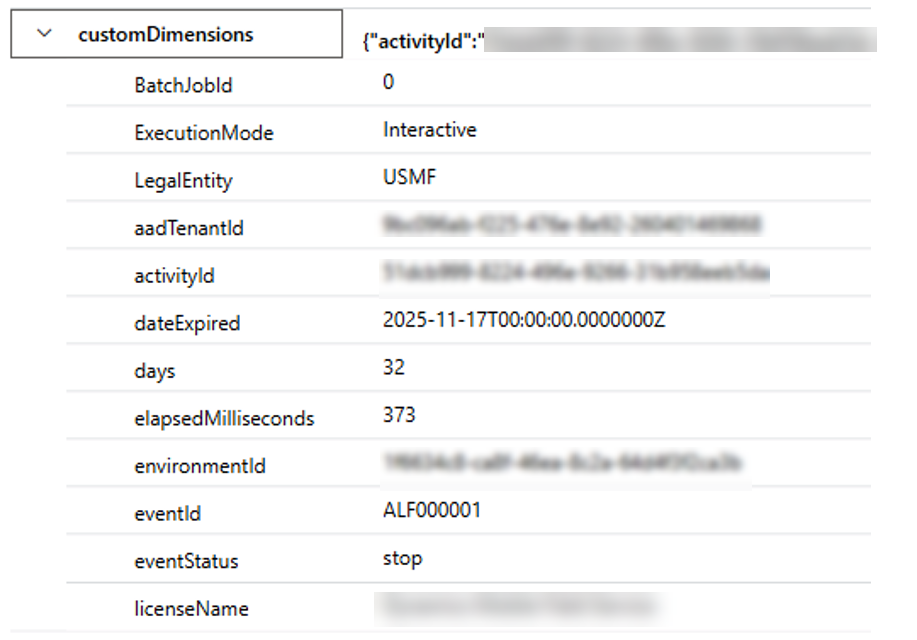
The following ALF licensing telemetry can be sent to App Insights:
LicenseValidation event properties:
- DateExpired / DateToExpire
- Days (Remaining before expiry)
RemainingCount event properties:
- LicenseName
- RemainingCount
Note: Event emitted contain default headers with following information as standard:
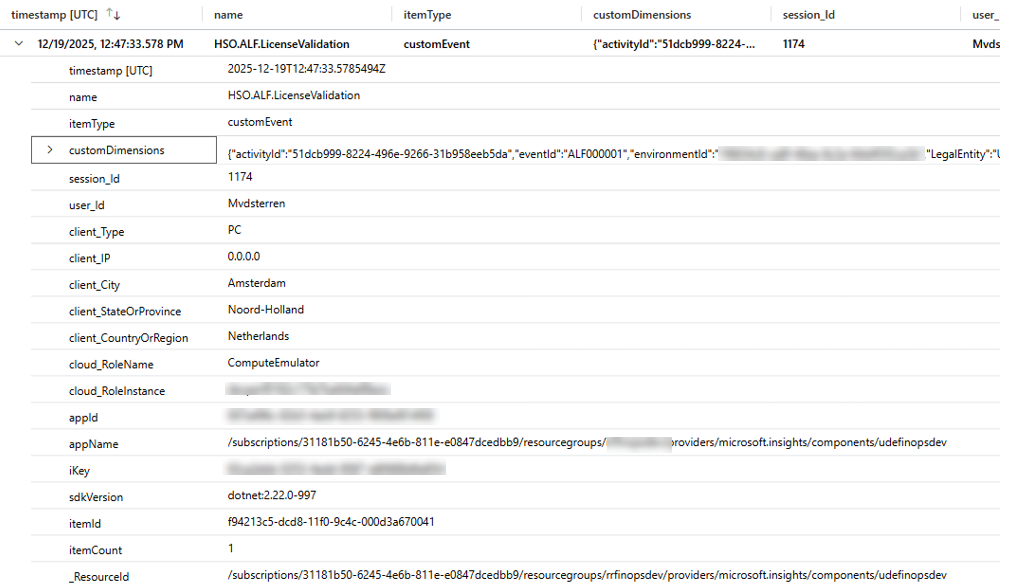
The customDimensions receive the properties as mentioned above:
System administration > Setup > Monitoring and telemetry parameters
See the on line documentation of Microsoft for more information about how to setup standard Monitoring and telemetry.